
Data architecture
Give every part of your business its own place in HubSpot.
Contacts, companies and deals only go so far. Custom objects (dedicated records for things like properties, vendors, work orders or campaigns) and clean associations make reporting and automation finally work.
- Vendors, work orders, campaigns as records
- Top Rated on Upwork
- US business hours
The problem
When everything is a deal, nothing is reportable.
- Vendors stored as companies, work orders as tickets — or as notes.
- Dozens of 'Property 1, Property 2' fields.
- Reports need exports and pivot tables.
- Automations can't target the right record.
What you get
What I deliver
Data model diagram
One page that shows every record type and how they connect.
Custom object setup
Properties, labels and pipelines configured.
Association design
Including association labels where they help.
Property clean-up plan
What to keep, merge and retire.
Integration-ready IDs
External IDs so syncs can match records reliably.
Reporting built on the new model
Reports that answer the questions you actually ask.
How it works
How it works
- 1
Entity mapping
List what your business really tracks.
- 2
Model & review with your team
Agree the model before building it.
- 3
Build objects & migrate data
Objects created and data moved over.
- 4
Rewire workflows & reports
Automation and reporting follow the new model.
Related work
Where I've done this before
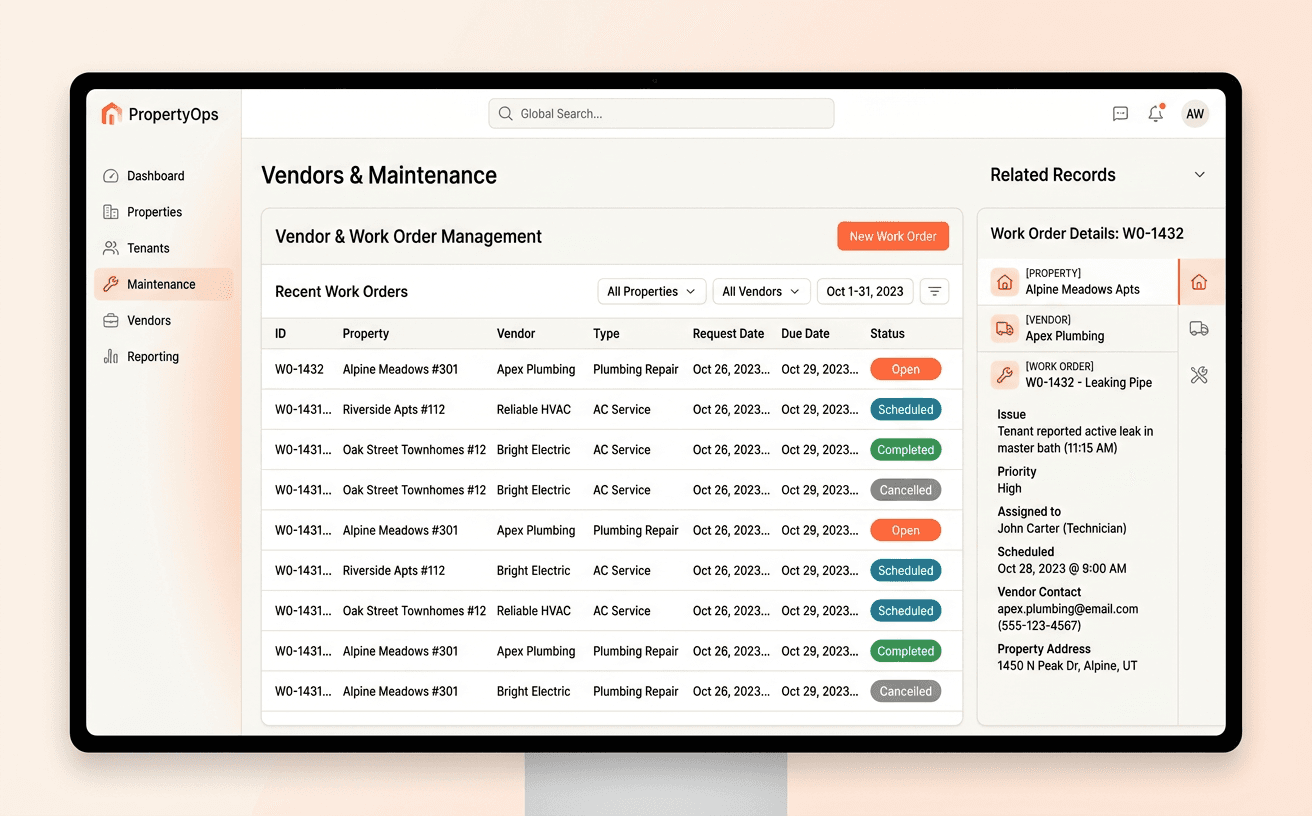 IllustrativeProperty Management
Rentvine vendors and work orders as HubSpot custom objects
Vendors and work orders from Rentvine, visible and current inside HubSpot.
- Make
- Webhooks
- Custom objects
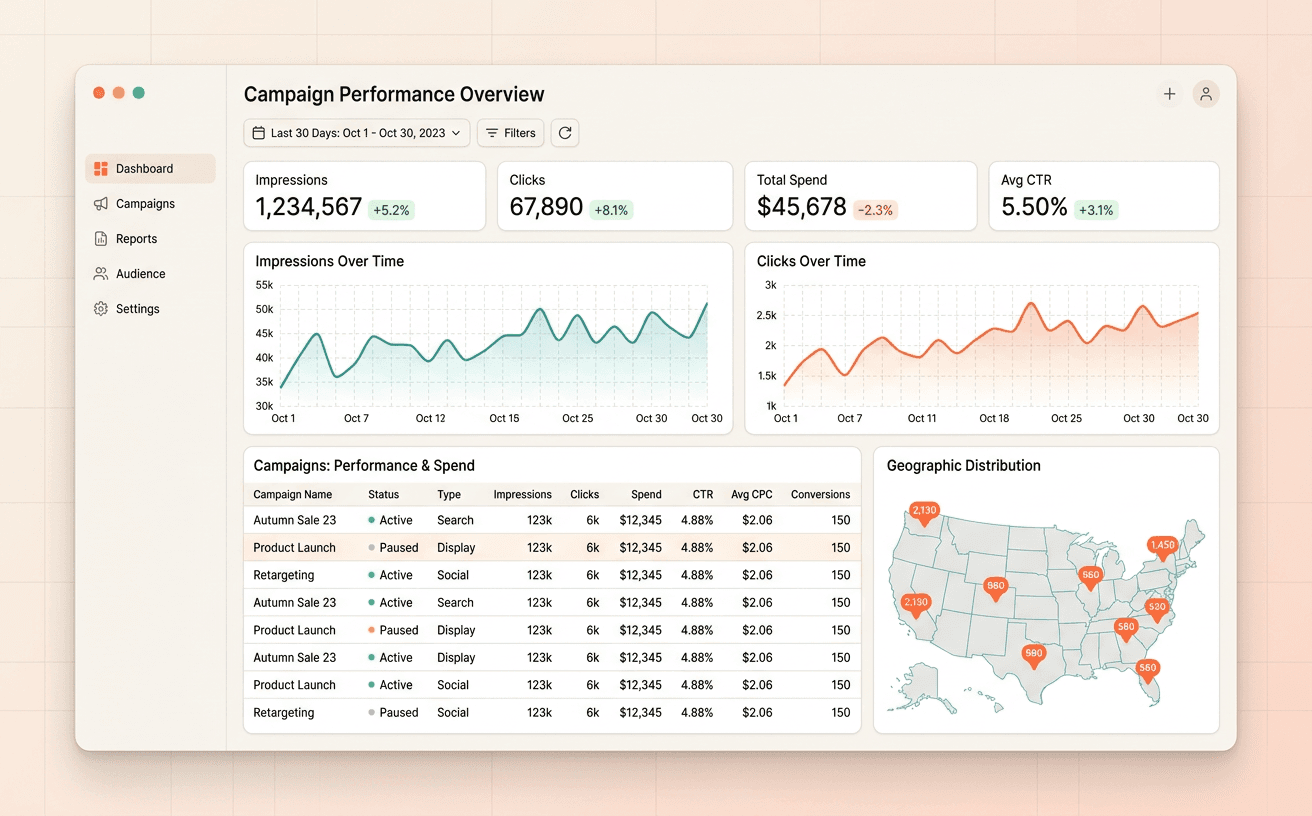 IllustrativeMarketing / Advertising
GroundTruth Ads campaigns and performance, synced into HubSpot daily
Campaign performance in HubSpot every morning — no exports.
- Custom Code Actions
- HubSpot CRM API
- Scheduled workflows
 IllustrativeSales organization
A sales portal that runs on HubSpot — without HubSpot logins
Owners and reps manage deals in real time through a portal; HubSpot stays the secure system behind it.
- HubL
- HubSpot CMS
- Files API
Fit
Is this right for you?
A good fit if
- You track things HubSpot has no object for
- Reports depend on exports and pivot tables
Probably not a fit if
- Standard contacts, companies and deals already describe your business.
FAQ
Common questions
Let's draw your data model before we build it.
30 minutes. You show me how things work today; I'll tell you what I'd fix first and roughly what it takes — no pitch deck.
Almost always reply within 24 hours